
On this page
Payments · 01
How e-wallet payments work
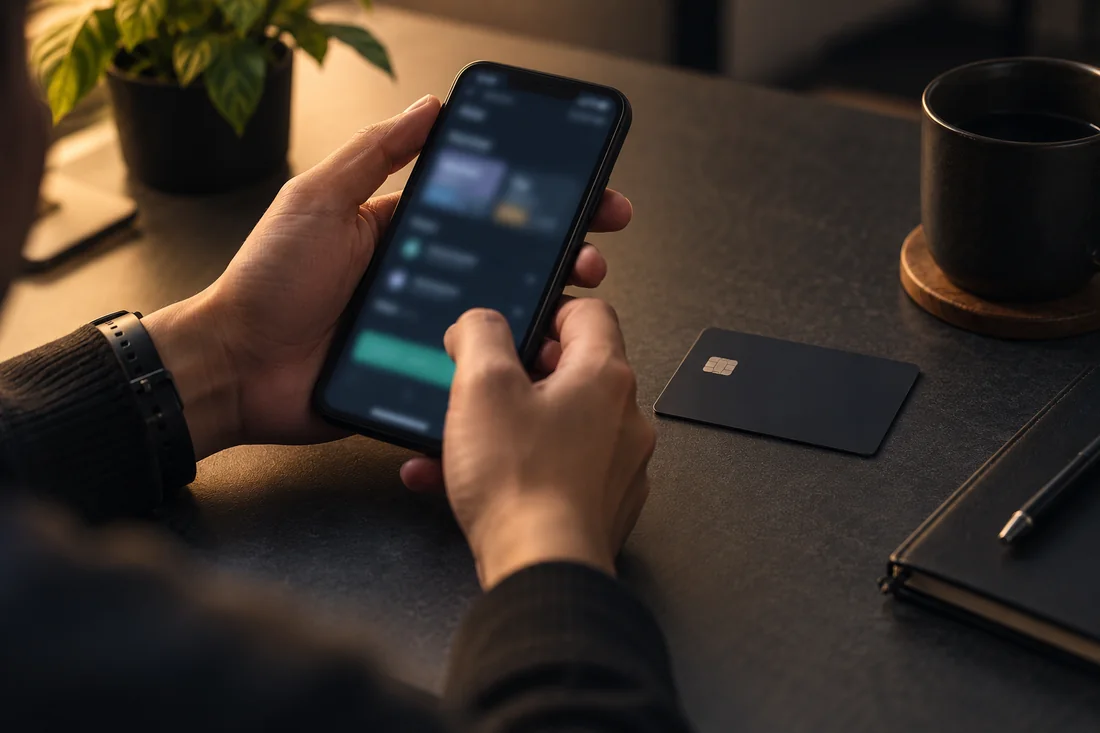
E-wallets such as Touch 'n Go eWallet, GrabPay and Boost hold a balance in your phone app. A cashier that supports them usually sends you to the wallet app or shows a code to approve.
This guide explains the method type only; the cashier shows whether Siti88 lists any wallet for your account.
Payments · 02
Checks in the cashier
Wallet payments are quick, which makes it worth checking details before you tap approve.
- Your wallet is named in the method list
- Minimum and maximum amounts for wallet payments
- Whether your wallet balance and transfer limits cover the amount
- Whether the same wallet can receive withdrawals
- Whether bonus terms exclude wallet deposits
Payments · 03
Paying from a wallet
The flow below is typical, though each wallet app looks different.
- Choose the e-wallet option in the cashier and enter the amount in MYR.
- Follow the redirect or scan the code with your wallet app.
- Check the merchant name and amount in the app.
- Approve with your wallet PIN or biometrics.
- Return to the site and confirm the deposit in history.
Payments · 04
Wallet limits and verification
Wallet providers set their own balance and transfer limits, which often depend on how fully you have verified the wallet. If a payment is refused, check the wallet app for limit messages before assuming the site is at fault.
Payments · 05
Keeping your wallet safe
Your wallet PIN works like a bank password. Do not share it, and be suspicious of anyone offering to "top up" your gaming account through their own wallet in exchange for a transfer.
Questions
Frequently asked questions
Can I use a wallet registered to someone else?
Operators generally require payment methods in your own name, and a wallet in another name can cause deposit or withdrawal holds.
Why was my e-wallet payment declined?
Wallet limits, insufficient balance or provider rules are common causes. The wallet app usually shows the reason.
Are wallet deposits treated differently for bonuses?
Sometimes. Some offers exclude certain payment methods, so read the promotion terms before depositing.
Next step
Check the method, MYR limits and fees in your cashier before you confirm a transfer.
Payment Methods